
Transfer Your Domain to AstriHost Without Any Hassle
Domain transfer processes can vary depending on the domain TLD and the current registrar. Some transfers are instant, while others may take a few days for processing by the registry. When transferring a domain, the nameservers remain unchanged, ensuring that your hosting is not affected.
Before the Transfer
To ensure a smooth transfer, remove all restrictions, and ensure your contact details are valid and up to date since the verification link for the transfer will be sent to your email. Make sure your EPP code is ready. Follow these steps:
- Domain Age:
Has your domain been registered for at least 60 days? Domains typically cannot be transferred within the first 60 days of registration. - Recent Changes:
Were there any recent changes to the email address, first and last name, or organization name within the last 60 days? As a security feature, domains often cannot be transferred for 60 days after such changes. - Registrar Lock:
Ensure the registrar lock is disabled. Some domains have a transfer lock, so make sure your domain is unlocked with your current provider. - EPP Code:
Have your EPP code handy. This code, also known as an authorization code, can be retrieved from your current provider’s control panel.
If you have confirmed these steps, you can start the transfer process:
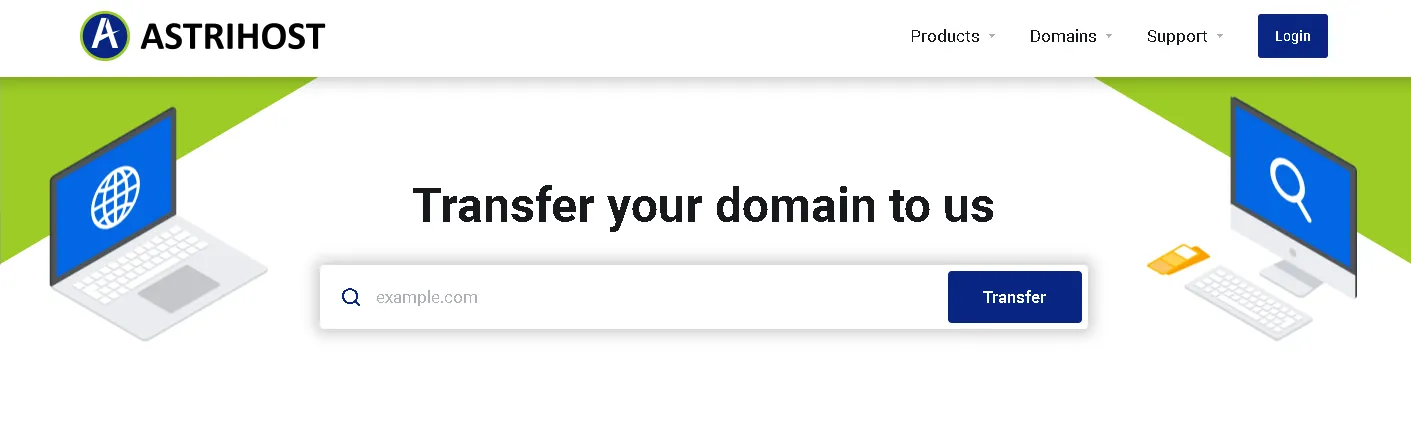
Transfer Process
- Go to AstriHost’s domain transfer page.
- Enter the domain name you wish to transfer
- Click the transfer button.
- Provide the EPP code when prompted. Click ‘Confirm‘
- Click “Next” to proceed to the payment page. Complete the payment process and check out.
In some cases, an email may be sent to your administrative email address to approve the transfer. Click the approve transfer link to approve the transfer. Wait for the transfer to complete, which typically takes 5 to 7 days. You will receive an email notification once the transfer is successful.
How Much Do Transfers Cost?
Transfers are free, but a one-year renewal fee is compulsory. There are no extra charges for the transfer itself. For instance, if your .co.za domain expires in one year and you transfer it, the domain will expire in two years after the transfer is complete.