Step 1.
Login
Log in to your account using your domain followed by /wp-admin. (https://yourdomain.co.za/wp-admin)
- Select ‘Appearance‘ from the dashboard menu.
- Select ‘Themes’

Step 2.
Install Theme
- Click on ‘Add New Theme’ button

Step 3.
Search & Install
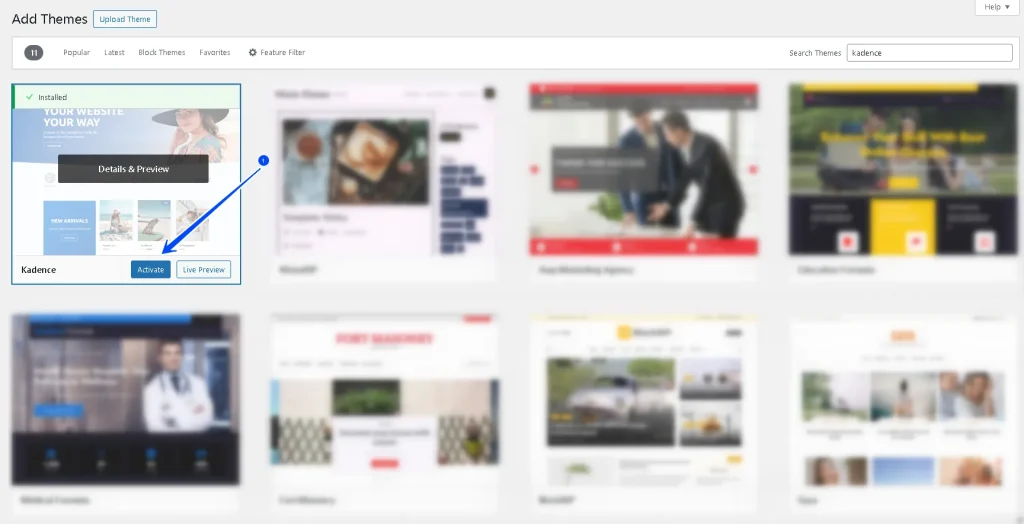
- Search for the theme (you can search by keyword or name)
- Click the ‘Install‘ button of the required theme.

Step 4.
Activate Plugin
- Click on ‘Activate‘
Step 5.
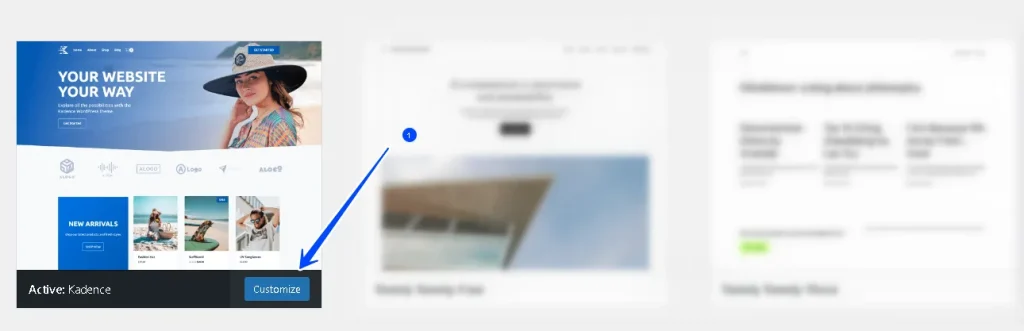
Customise
Your theme is installed.
- Click ‘Customize’ button to start customising your theme.