
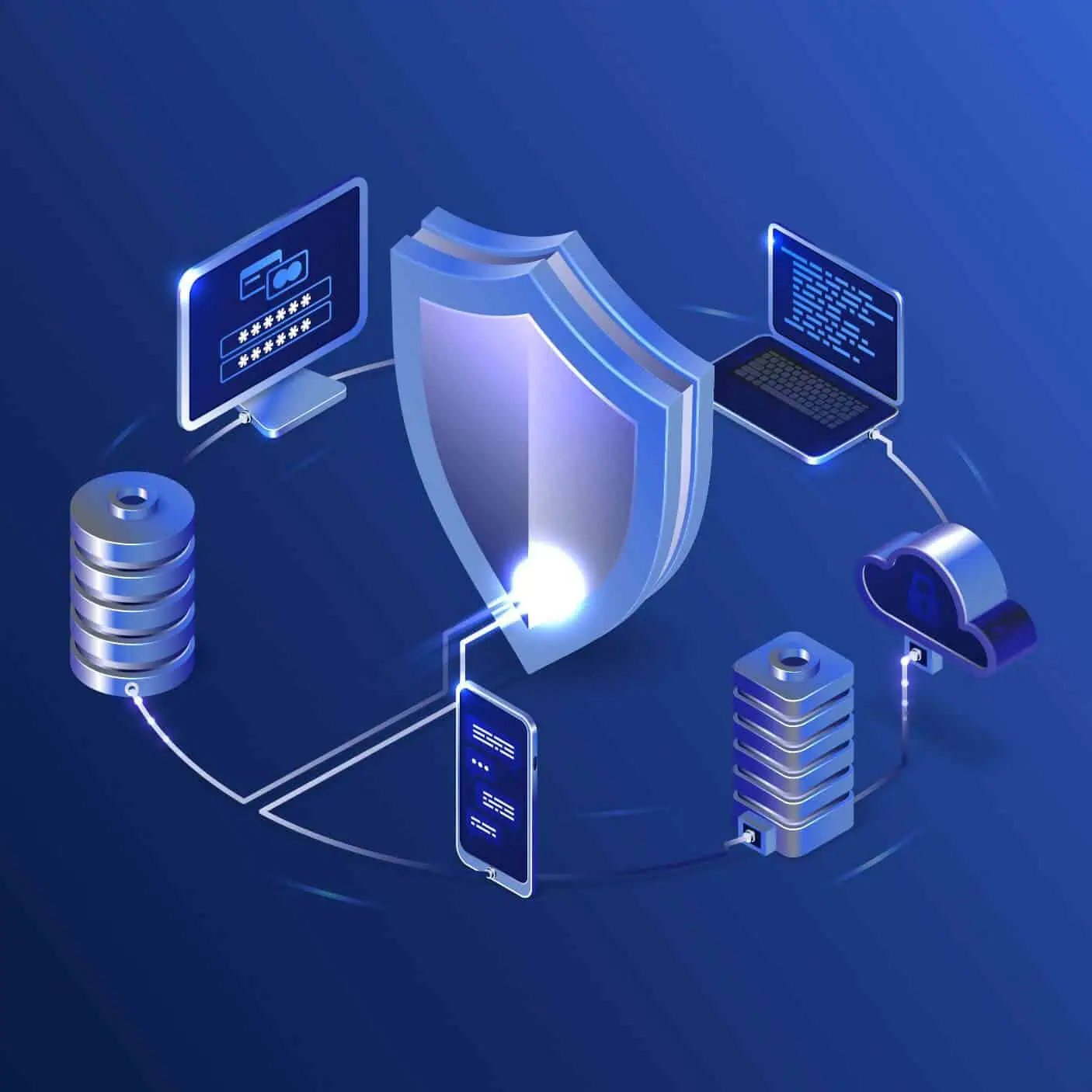
Website security features
Website security features are the digital guardians that stand between your online space and potential threats. With cyber threats becoming increasingly sophisticated, safeguarding your online presence requires a multifaceted approach. From the moment you set up your website, you need to be vigilant about potential vulnerabilities and take proactive measures to mitigate risks. In this guide, we’ll unveil the armour your website needs to thwart cyber risks, ensuring a safe and thriving digital journey. This is the most important of my 15 essential website design Features, explained!.
Use SSL for Enhanced Protection
Securing the communication between your website and its visitors is crucial. This is where SSL (Secure Sockets Layer) comes into play. By encrypting the data transmitted between a user’s browser and your website’s server, SSL ensures that sensitive information remains confidential. When users see that padlock icon in their browser’s address bar and the “https” protocol, they can trust that their data is being transmitted securely.
Protect Your Login Credentials
The entry point to your website’s backend is the login page. Strengthening this entry point is vital to prevent unauthorized access.
- Harden Your Passwords
Using strong, unique passwords for your accounts is a fundamental step. Avoid common passwords like “123456” or “password.” Instead, create complex passwords that include a mix of uppercase and lowercase letters, numbers, and symbols. - Use 2-Factor Authentication
Adding an extra layer of security with 2-factor authentication (2FA) can thwart even the most determined attackers. 2FA requires users to provide an additional piece of information (usually a one-time code sent to their phone) alongside their password. This ensures that even if a hacker manages to obtain the password, they still can’t access the account without the second factor.
Monitor Your Website for Anomalies
Regularly monitoring your website for suspicious activities can help detect and respond to threats promptly.
- Scan for Malware Regularly
Malware can silently infect your website and compromise its integrity. Regular scans can help identify any malicious code or files that have infiltrated your site. Using reliable security tools can automate this process and provide you with alerts if any issues are found. - Block Suspicious Traffic
Implementing firewalls and security plugins that identify and block suspicious traffic can prevent unauthorized access and hacking attempts. It’s like having a vigilant security guard at your website’s virtual entrance.
Back Up Your Site Regularly
Imagine waking up one day to find your website defaced or your data irreversibly lost. Regular backups are your safety net against such scenarios.
Take Special Care of Your WordPress
WordPress is a popular and powerful platform, but its popularity also makes it a target for attackers. Implementing security measures specific to WordPress can mitigate risks.
- Keep Your WordPress Up-to-Date
WordPress frequently releases updates that address security vulnerabilities and improve overall performance. Ensuring that both WordPress core and its plugins are up-to-date reduces the risk of exploitation. - Add Extra Safety Layer with Trusted Security Plugins
Using reputable security plugins can add an extra layer of protection to your WordPress site. These plugins offer features like firewall protection, malware scanning, and login attempt restrictions. - Avoid Common Usernames like “Admin”
The default username “Admin” is a favourite target for hackers. Changing it to something unique makes it harder for attackers to guess their way into your admin panel. - Limit Login Attempts
Brute-force attacks involve trying numerous username and password combinations until one works. Limiting the number of login attempts prevents attackers from repeatedly guessing passwords.



Use a Trusted Web Hosting Provider
The foundation of your website’s security lies in your hosting provider. Opt for one that prioritizes security.
- Server-level Web Application Firewall
A web application firewall (WAF) filters incoming traffic and blocks malicious requests before they reach your website. Having a WAF at the server level adds an extra line of defence. - Brute-force Prevention
Effective brute-force prevention mechanisms can automatically detect and block repeated login attempts, thwarting attackers trying to gain unauthorized access. - DDOS Protection
Distributed Denial of Service (DDoS) attacks can overwhelm your server with a flood of requests, causing your site to go down. A reliable host offers DDoS protection to keep your website accessible. - Managed PHP
Outdated PHP versions can have vulnerabilities. A web host that manages PHP updates ensures that your website runs on a secure and up-to-date environment. - On-demand Traffic Blocking (IP and Geo Blocking)
Some web hosts allow you to block traffic from specific IP addresses or even entire countries. This can be useful if you notice a spike in malicious activity from certain regions. - Smart Client Area & Site Tools Login
A secure client area and site tools login portal can prevent unauthorized access to your hosting account, adding an extra layer of security. - Monthly Security Reports
Regular updates about security events, along with actionable insights, can help you stay informed and take necessary actions to further secure your website.
Ensuring your website’s security is an ongoing process that requires vigilance, awareness, and proactive measures. By implementing these security features and best practices, you can create a robust defence against potential threats, allowing you to focus on what matters most: running a successful online presence. Remember, in the world of website security, staying ahead is the key to staying safe.
Frequently Asked Questions
We are always happy to help, if you can’t find the information you are looking for please don’t hesitate to reach out to us!
Did you find this article informative? Share it with your friends!
